
Choose a template, apply it instantly.
No design skills needed — just a fresh new look, in seconds.
Free for macOS 14+
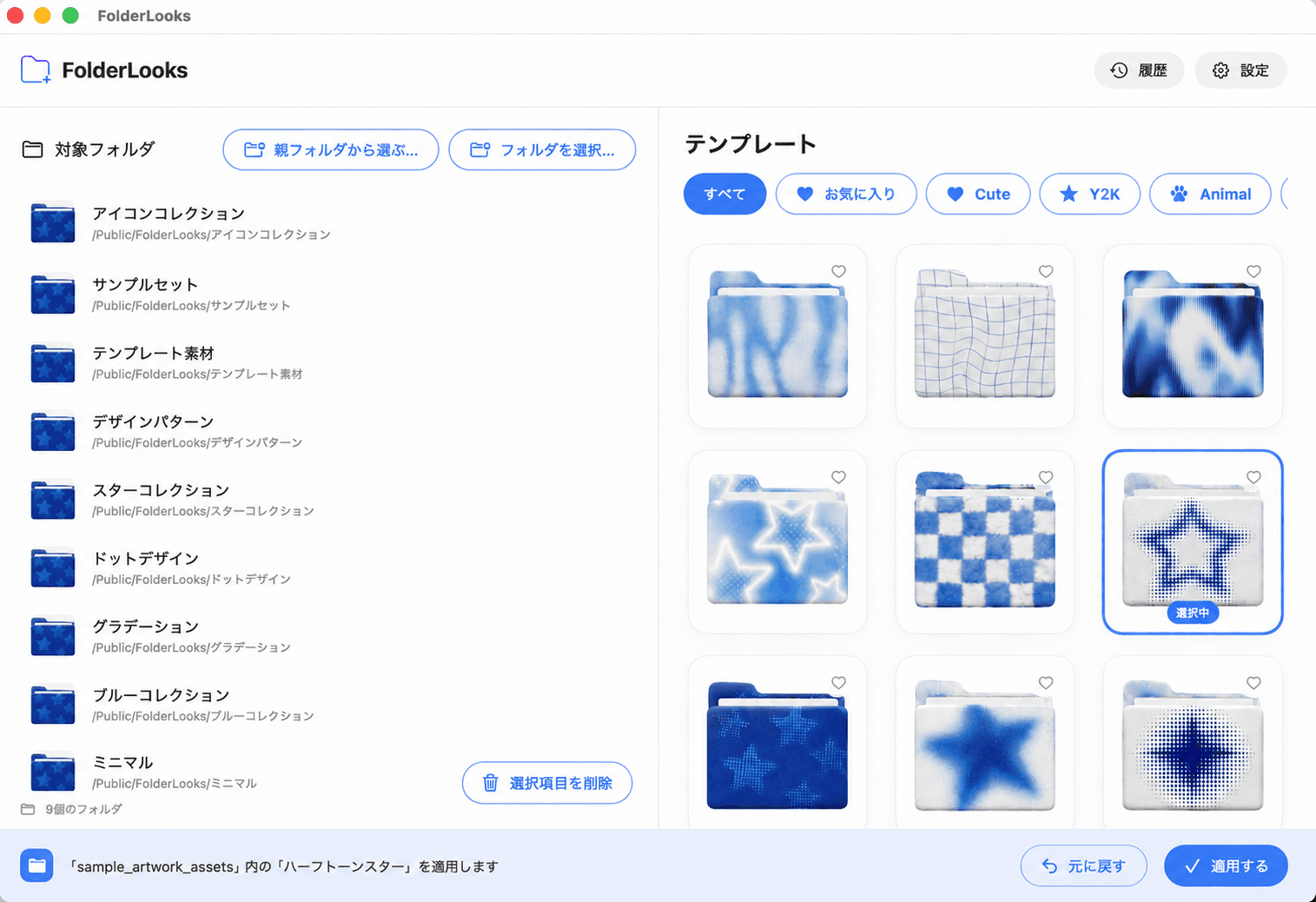
Choose a pattern, hit Apply — your folder's new look lands instantly.
Target folder
Templates
Upload any image and FolderLooks turns it into a folder icon — crop it to fit the folder shape, or keep it as-is.
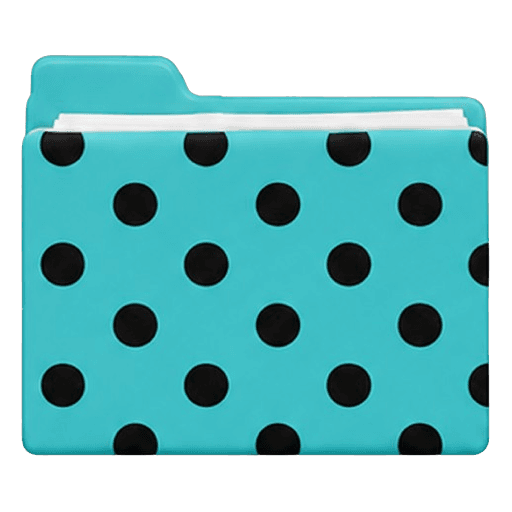
Drag the image to reposition, use the slider to resize
Crops the image into a folder-shaped icon
Dozens of templates, free and Pro. More being added all the time.



Animal and nature motifs
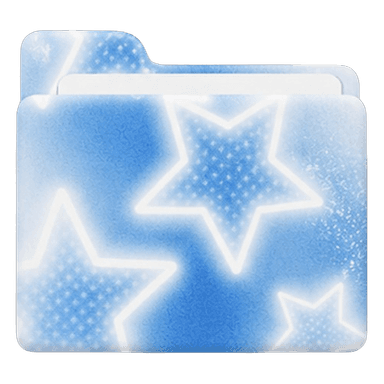
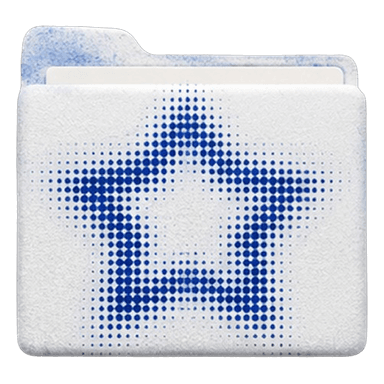
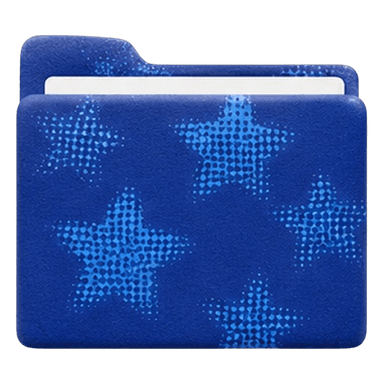
Sparkly retro star motifs
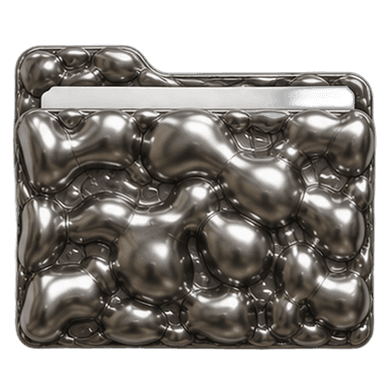
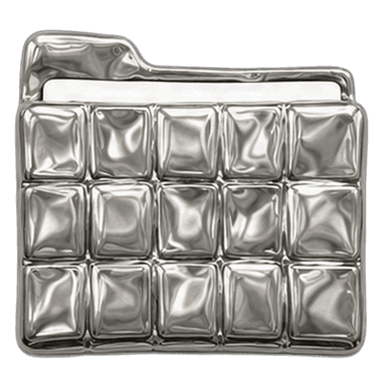
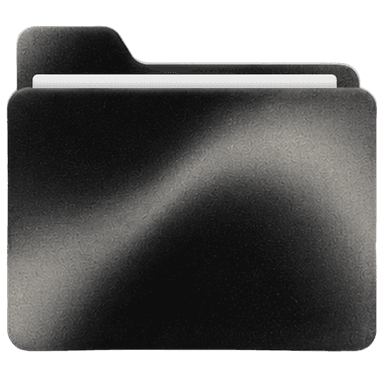
Cool metallic designs

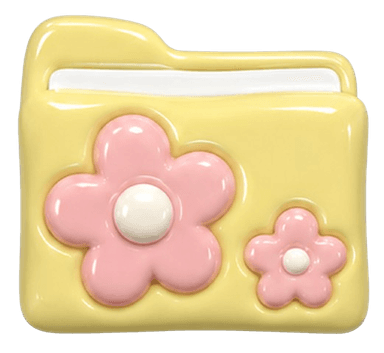

Cute and playful designs
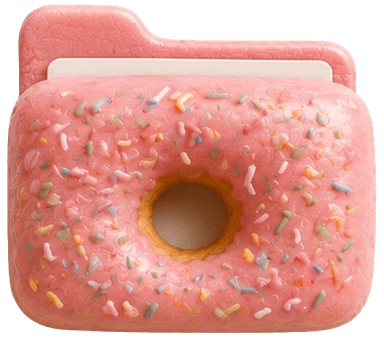

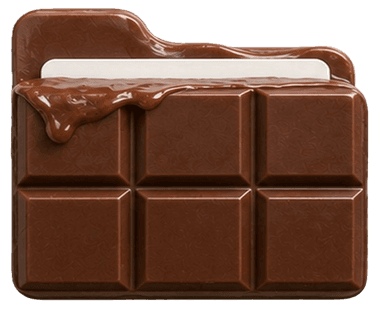
Delicious sweet treats
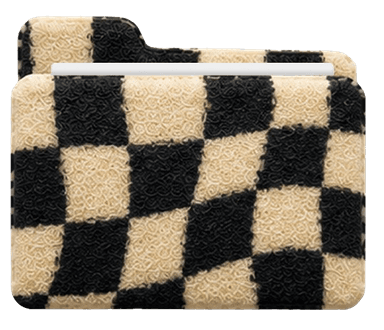
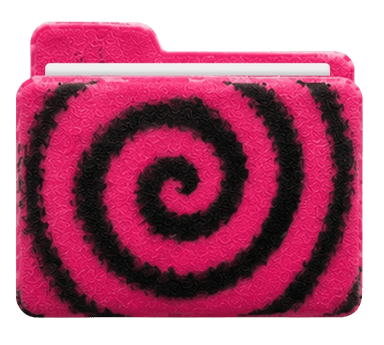
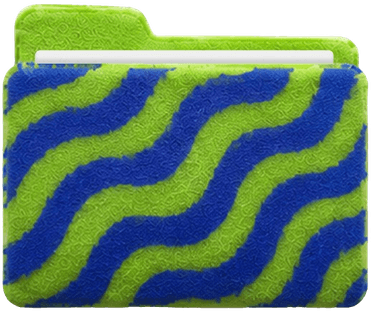
Fuzzy terry-cloth patterns
Core features are free with no limits. Want more freedom? Go Pro.
Open the downloaded dmg file and drag FolderLooks into your Applications folder. On first launch, we'll guide you through enabling the Finder extension.